
How to Get Delta Executor Key on Android & IOS
Delta Mobile requires a special key to run Roblox scripts, and obtaining that key can be tricky for many users. Like other mobile script executors (for example, Hydrogen), Delta Mobile won’t execute scripts without this key — which can leave players unsure how to proceed or how to access the app’s features.
This short guide explains an easy, step-by-step approach to getting the Delta Mobile key so you can activate the executor and run scripts on your device. Follow the instructions below to quickly unlock Delta and start using its scripting features without hassle.
How to Get the Delta Mobile Executor Key on Android
The process to obtain the key is straightforward. Below are the Android steps (iOS steps are handled separately):
- Go to deltaexecutor.live and download Delta Mobile.
- Install the app on your Android device.
- Launch Delta Mobile after installation.
- When the app asks for the Delta Key, enter it if you already have one to continue.
- If you haven’t received your key yet, tap on the “Receive Key” option.
- This action will automatically copy a URL to your clipboard.
- Next, open any web browser and paste the copied link into the address bar.
- Search or navigate to the URL to proceed.
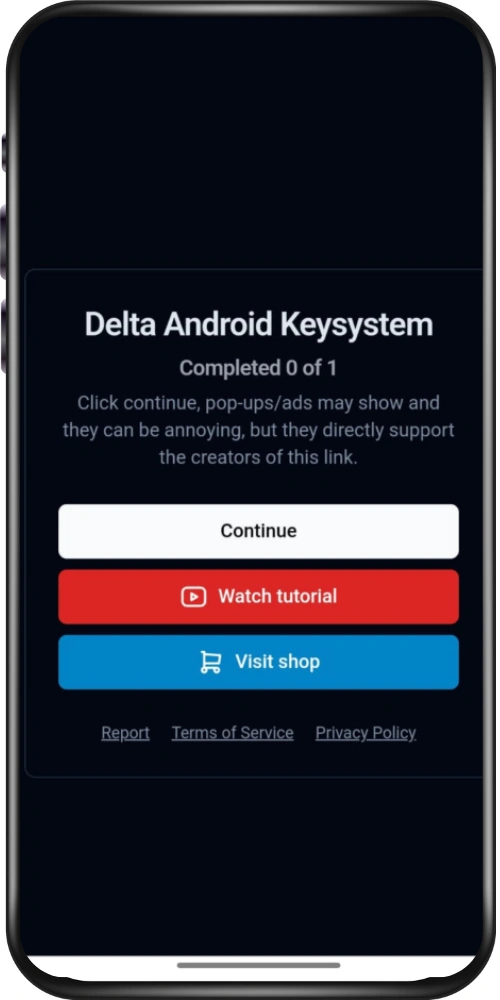
- You’ll then be redirected to a page titled “Delta Android Keysystem.”
- Once there, select the “Continue” button to advance to the next step.
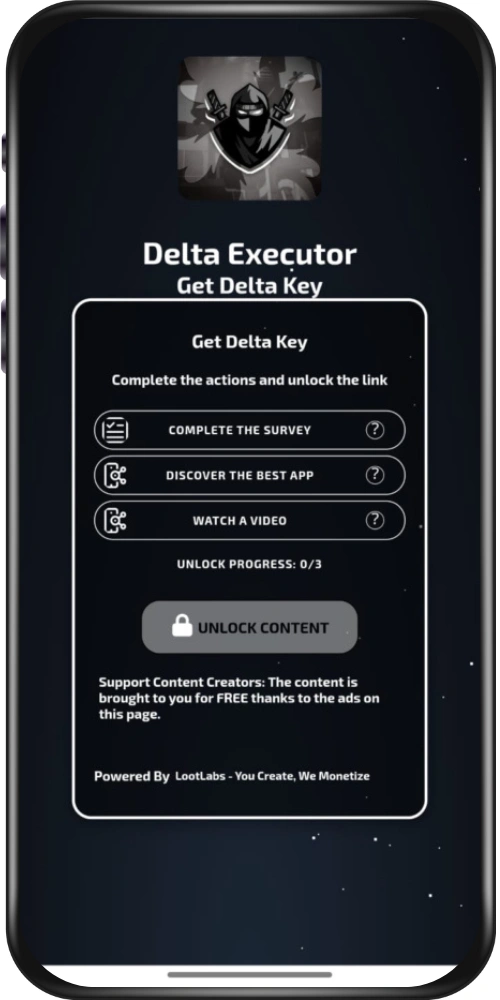
- You’ll then need to finish a few simple tasks.
- Typically, the number of tasks ranges from two to three, depending on the requirements.
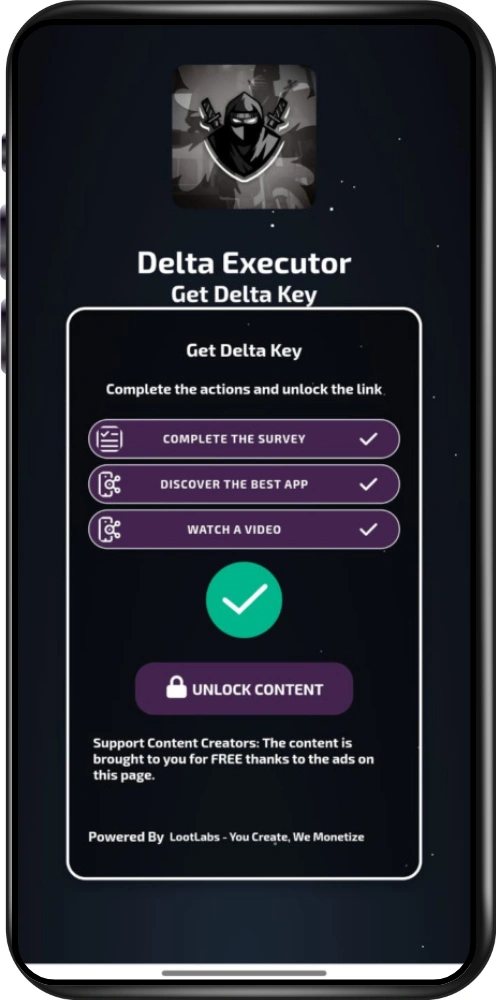
- Tap the small ‘?’ icon beside each task to open it.
- Immediately hit the device back button after the task window appears.
- Do not install or accept any pop-up downloads.
- Wait until the “Unlock Content” button changes color to green.
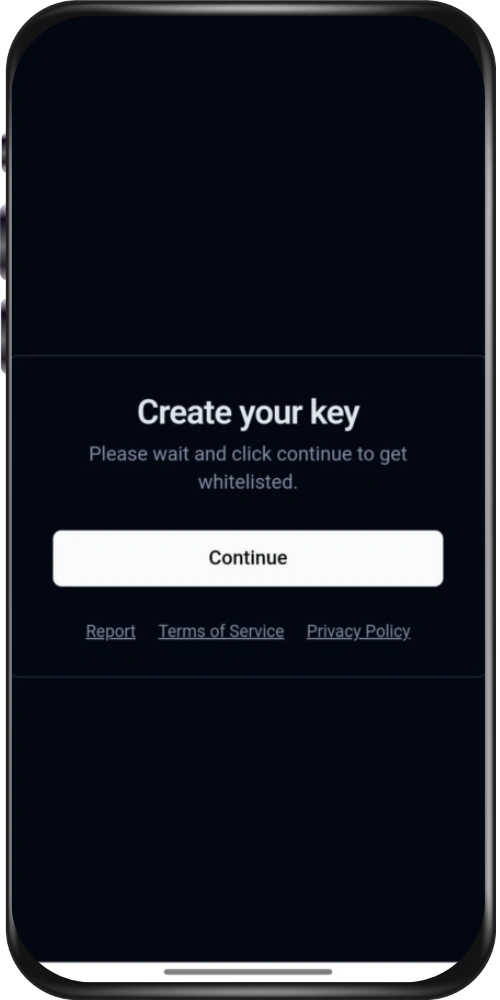
- When it’s green, press “Unlock Content.”
- A prompt will appear asking you to generate your key.
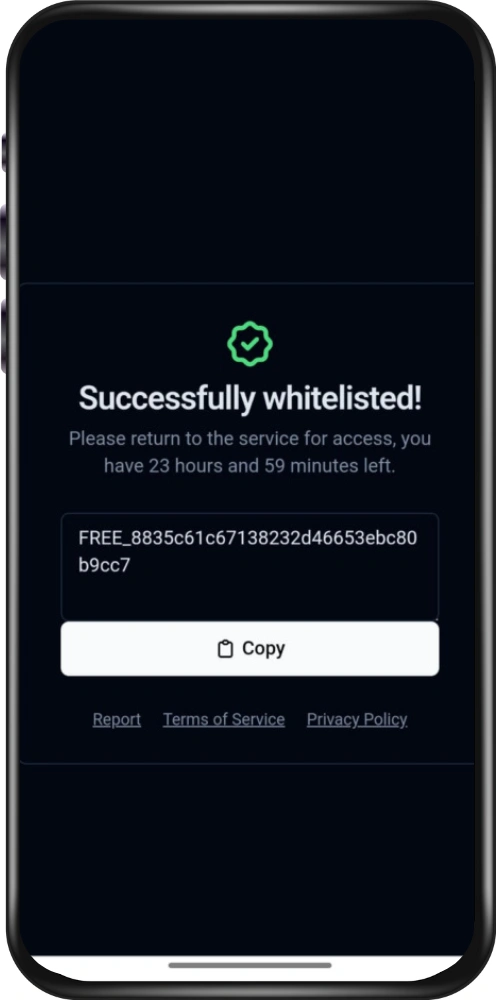
- Choose “Continue” to obtain the Delta key, then tap “Copy” to save it to your clipboard.
- Return to Roblox and wait for the key input prompt to show up.
- Paste the copied Delta key into the prompt and press “Continue.”
- Once the key is accepted, the executor will be fully unlocked and ready to use.
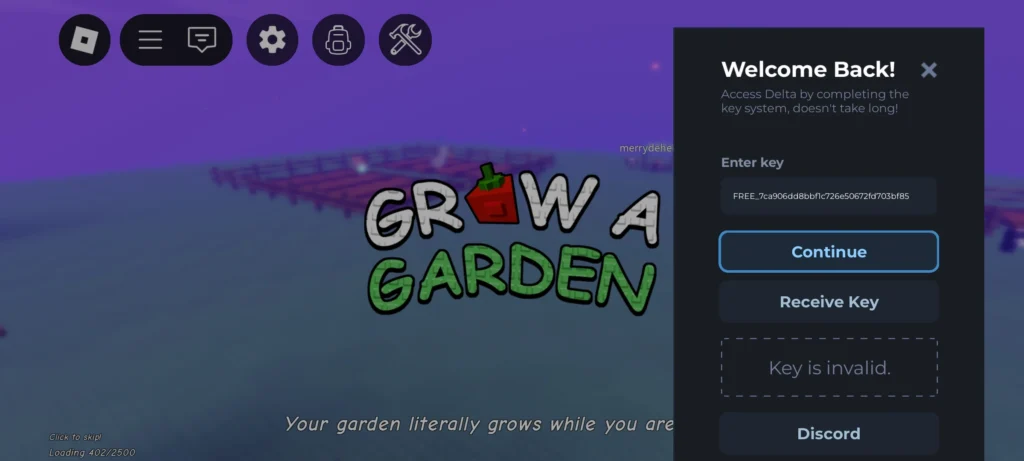
How to Obtain the Delta Executor Key on iPhone or iPad
- Download and install Delta on your iOS device, then launch the app.
- When the app prompts for a key, enter it if you already have one and tap Continue.
- If you don’t have a key, choose Receive Key to start the process.
- Open Safari, paste the copied link into the address bar, and go to it.
- On the Delta iOS Keysystem page, press Continue to proceed.
- iOS may route you through Linkvertise—complete any required tasks there.
- After finishing the tasks, copy the generated key.
- Return to Roblox, wait for the key prompt, paste the key, and tap Continue to unlock the executor.